
Hint: It’s Not Free
When most dental practice owners hear “PC refresh,” they hear “capital expense to defer.”
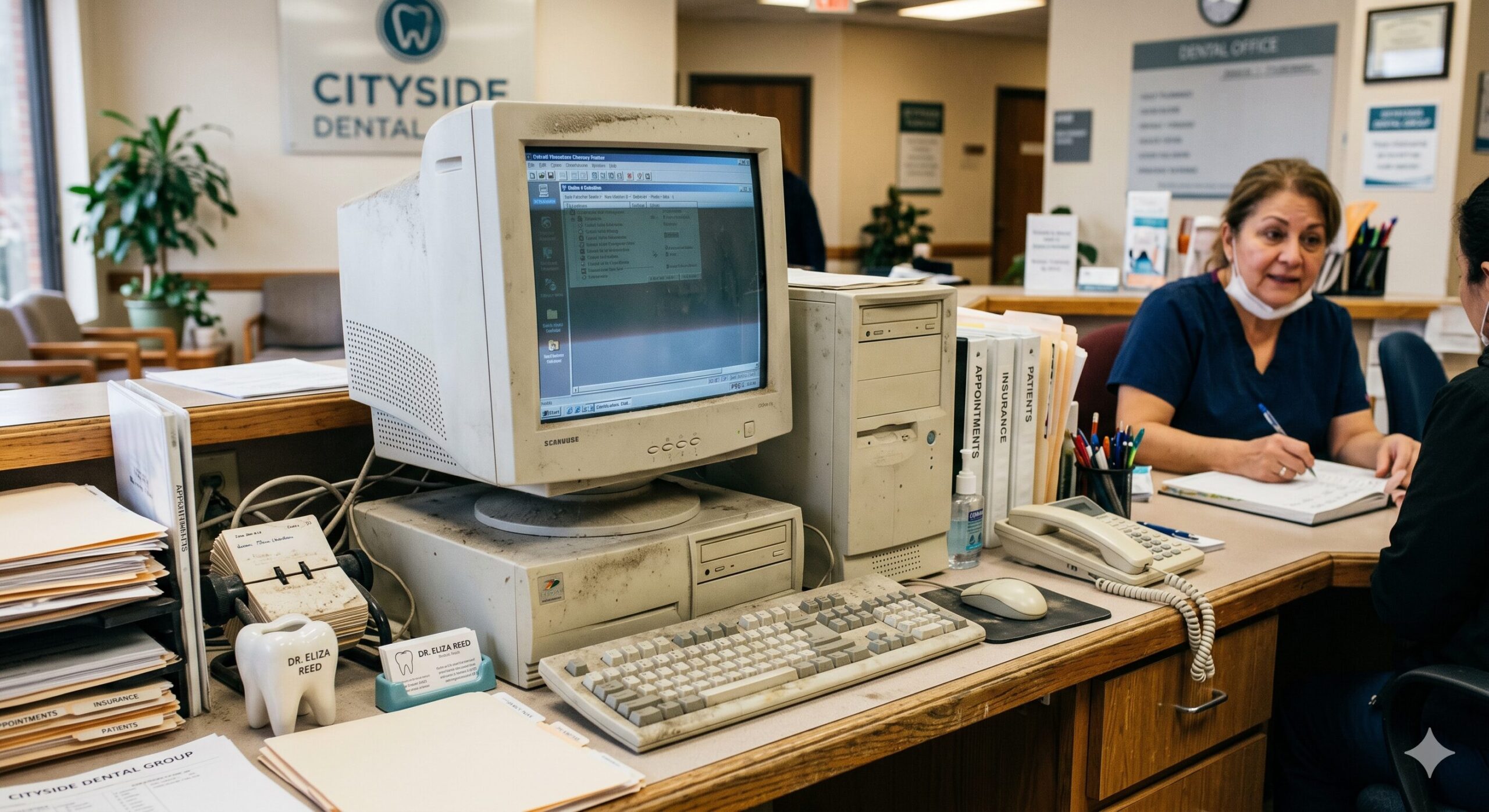
The real expense is the 10-year-old desktop already sitting at the front desk — or worse, driving your digital X-ray workstation.
It costs more than $2,700 per machine per year in lost productivity, repairs, and security incidents (Microsoft, Techaisle). As of October 14, 2025, it can no longer be legally patched by Microsoft without a paid subscription. Forrester, in research commissioned by Intel, put the three-year ROI of a modern PC refresh at up to 213%. The replacement pays for itself in under 12 months at most practice scales.
This is not a sales pitch. This is the math on a line item nobody is tracking.
- A 10-year-old desktop costs a dental practice an estimated $2,700 to $3,500 per machine per year in productivity loss, support tickets, and security incidents.
- Windows 10 hit end of support October 14, 2025. Patching legacy PCs now requires a Microsoft ESU subscription: $61 (Year 1), $122 (Year 2), $244 (Year 3) — a cumulative $427 per device.
- Modern desktops draw roughly one-third the wall power of 2014-era hardware. WA/ID/OR commercial rates are all trending upward.
- Forrester (2024) measured up to 213% three-year ROI for a modern PC refresh, with 90% fewer hardware on-site visits.
- A typical $1,500 entry-tier business PC (with 5-year warranty) pays for itself in 8 to 14 months — often faster when productivity recovery is counted.
- In a dental practice, there’s a sixth cost the generic math misses: HIPAA liability. An unpatched workstation touching patient records isn’t just a security problem — it’s a compliance exposure.
The Old PC Problem Nobody Tracks in a Dental Office
We sit down with dental practice owners across Washington, Idaho, and Oregon. The conversation is almost always the same.
“That Dell still turns on. It runs Dentrix fine. Why would we replace it?”
The answer is not on a quote. It is on five operating cost categories — plus one compliance wildcard unique to healthcare — that show up in payroll, support bills, electricity, and (in the worst case) an OCR breach investigation or cyber-insurance claim denial.
A 2014 to 2016 era desktop — Intel 4th to 6th generation Core (Haswell/Skylake), 8 GB RAM, spinning hard drive or first-gen SATA SSD. This hardware cannot run Windows 11 without unsupported workarounds and cannot meet the TPM 2.0 requirements that Dentrix, Eaglesoft, and Carestream increasingly assume in their supported configurations.
Cost 1: Lost Productivity
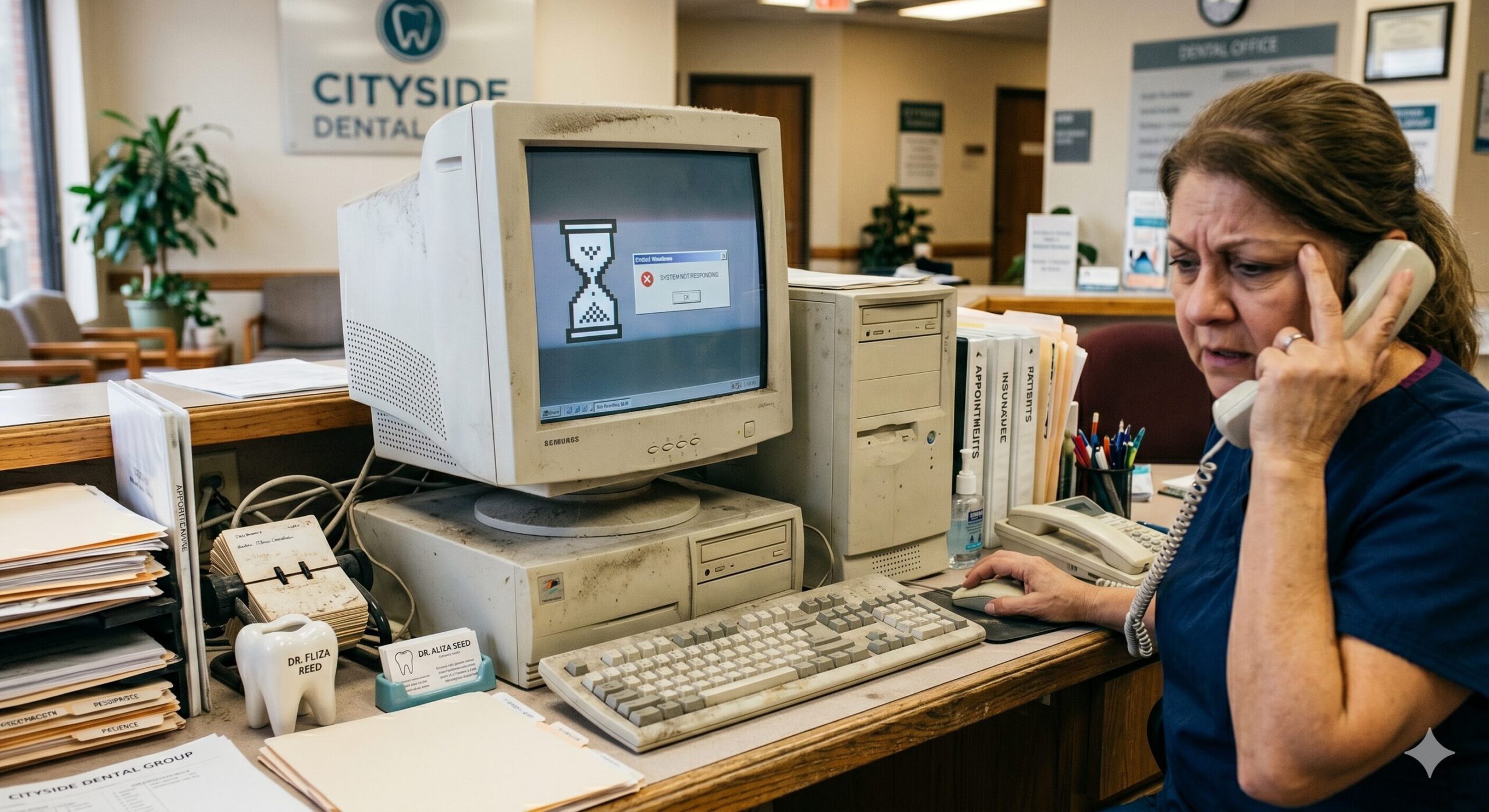
The most-cited research on aging PC productivity is the J. Gold Associates / Microsoft 16-country SMB study (n = 3,297 businesses). The headline: employees on 5+ year-old PCs are up to 29% less productive than peers on modern hardware.
The more conservative Techaisle number: a 4+ year-old workstation costs the average SMB 70 hours of lost productive time per machine per year. At a $40/hr fully-loaded labor rate, that’s $2,800 per worker per year.
Microsoft’s own research found that PCs aged five years and older cost users more than two hours per month in boot time alone — more than a full working day per year just waiting for the machine to start.
In a dental practice, this compounds. A slow front-desk workstation during morning check-in, a sluggish imaging station mid-appointment, or a treatment coordinator whose computer freezes while presenting a case — each delay ripples into patient experience, schedule efficiency, and chair utilization.
Cost 2: Windows 10 End of Support & Security Risk
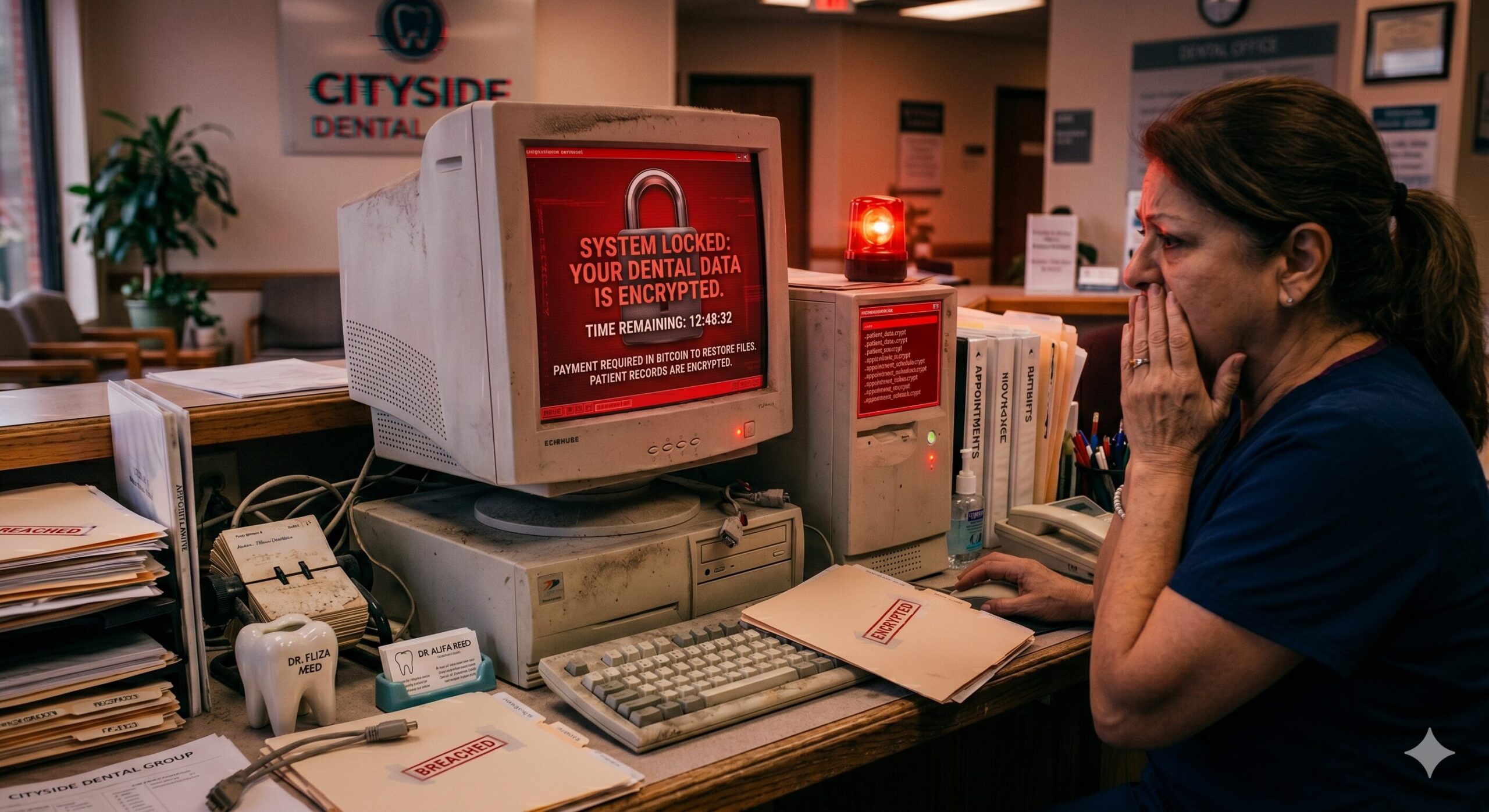
Windows 10 reached end of support on October 14, 2025. Microsoft no longer issues security patches for unenrolled devices. The Extended Security Updates (ESU) bridge exists, but the pricing is intentionally back-loaded:
| Year | Per-device cost |
|---|---|
| Year 1 | $61 |
| Year 2 | $122 |
| Year 3 | $244 |
| 3-year cumulative | $427 |
You cannot skip a year. After Year 3, ESU ends and the device must be replaced or accepted as permanently unpatched — and you’ve spent $427 with nothing to show for it hardware-wise.
Techaisle research (commissioned by Microsoft, 2024) found Windows 11 devices saw a 62% drop in security incidents, 3x fewer firmware attacks, and 2.9x fewer identity-theft incidents vs. Windows 10.
88% of SMB breaches in 2025 included ransomware (vs. 39% for enterprise). Ransomware appeared in 44% of all confirmed breaches, up from 32% the prior year. Vulnerability exploitation as initial access rose 34% year-over-year. Over 90% of ransomware attacks that reached the ransom stage used an unmanaged or unpatched device as the entry point.
The HIPAA Layer — Why This Hits Dental Practices Harder
Covered entities and business associates must implement technical security measures to protect ePHI — including ensuring systems are patched and up-to-date. Running an unpatched, end-of-life OS that touches patient records is not a gray area. It is a documented compliance gap that will appear in any OCR audit or breach investigation.
The HHS Office for Civil Rights assessed $145 million in HIPAA penalties in 2024. The average healthcare data breach now costs $9.8 million (IBM 2024) — more than double the cross-industry average. For a dental practice running Dentrix, Eaglesoft, or Carestream, the workstation is a gateway to ePHI. An unpatched OS is a known, documented risk.
Cost 3: Energy in the Pacific Northwest
A 2014-era Core i5 desktop idles at roughly 50–75W. A 2025 Intel Core Ultra or AMD Ryzen 8000 desktop draws 10–15W at idle — a 50%+ reduction. Energy Star v8.0 certified desktops use 30–65% less energy than non-certified models.
| State | Commercial $/kWh (approx.) | Notes |
|---|---|---|
| Washington | ~9–11 cents | Hydro-heavy; lowest in region, but rising |
| Oregon | ~11–13 cents | PacifiCorp/PGE territory, trending up |
| Idaho | ~8–10 cents | IPCO/Rocky Mountain Power, low but increasing |
| US average | ~13.92 cents | EIA Electric Power Monthly, March 2026 |
Per-PC energy savings are modest in the Pacific Northwest — roughly $10/year per machine at WA rates. A 10-machine fleet saves ~$100/year. More meaningful is the heat reduction: less heat generation means less HVAC load in the server closet and operatory workstations, with real comfort and equipment longevity benefits.
Cost 4: Tickets, Downtime, and the IT Tax
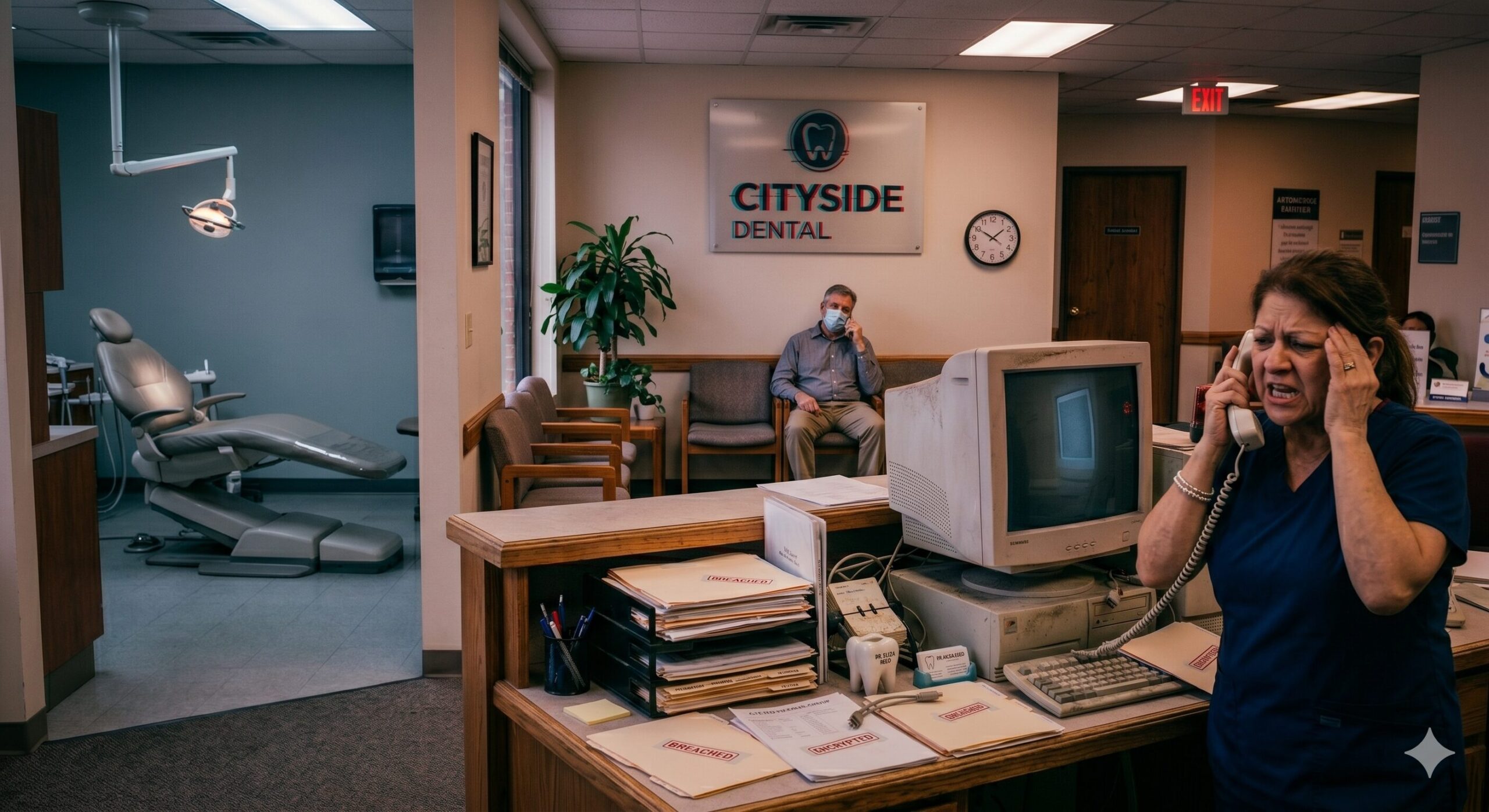
Forrester (2024, Intel-commissioned) found a modern PC refresh delivered up to 90% reduction in hardware-related on-site service visits and 65% less time on device management. Microsoft’s own Windows 11 deployment across 225,000 devices reported a 40% reduction in helpdesk incidents.
In a dental practice, downtime arithmetic is simple: if your average chair generates $400–$600/hour in production, a front-desk workstation failure that delays three appointments costs $1,200–$1,800 in deferred production — before IT labor is counted at all.
Cost 5: What Does a Modern Business Desktop Cost in 2026?
| Tier | Specs | Price (w/ 5-yr warranty) |
|---|---|---|
| Entry SFF / mini PC | Core Ultra 5 / Ryzen 5 Pro 8000, 16–32 GB RAM, 256 GB NVMe SSD | $1,400–$1,600 |
| Mid-tier tower | Core Ultra 7 / Ryzen 7 Pro 8000, 32–64 GB RAM, 512 GB NVMe SSD | $1,800–$2,200 |
| Performance (imaging / CBCT) | Core Ultra 9 / Ryzen 9 Pro 8000, 64 GB RAM, 1 TB NVMe SSD | $2,500–$3,200 |
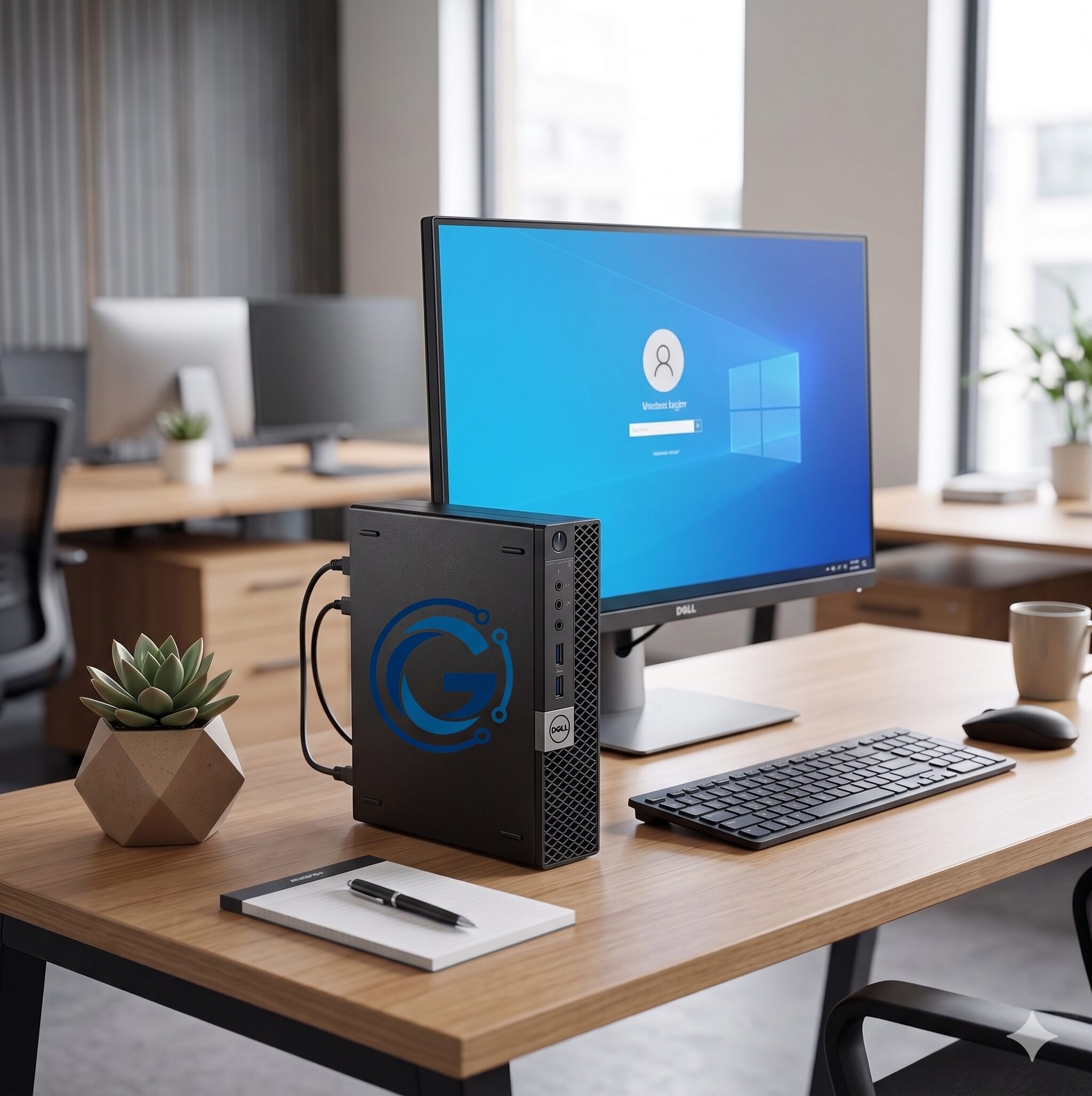
For a typical dental front desk (Dentrix/Eaglesoft, Microsoft 365, Teams, browser tabs), the entry-tier machine at $1,400–$1,600 is the right tool. For digital imaging workstations running Carestream, Dexis, or CBCT software, budget mid-tier or better. All tiers are available as a Geekpoint Managed PC — pre-imaged, pre-enrolled in your RMM, and shipped ready to plug in.
Federal Section 179 for 2026 allows immediate deduction of up to $2.56 million in qualifying property. The One Big Beautiful Bill Act (signed July 4, 2025) restored 100% bonus depreciation for qualified property acquired after January 19, 2025. For most profitable dental practices, a fleet refresh is a complete first-year federal deduction. Coordinate with your CPA on WA/ID/OR state-level treatment.
The Worked Example: A 6-Operatory Practice in Washington
Setup: 8 employees, workstations aged 8–11 years, $40/hr loaded labor rate, WA commercial electricity rates.
Cost of Staying on Legacy Hardware (Year 1)
| Line item | Per machine | 8-machine fleet |
|---|---|---|
| Productivity loss (70 hr @ $40/hr) | $2,800 | $22,400 |
| ESU Year 1 subscription | $61 | $488 |
| Support and downtime (avg) | $2,500 | $20,000 |
| Energy delta vs. modern | $10 | $80 |
| Year 1 cost of staying | ~$42,968 |
A single ransomware incident in the 5–50 employee band averages $638,536 in recovery costs per Sophos 2025. In healthcare, add OCR investigation costs, breach notification expenses, and patient notification obligations.
Cost of Refresh (Year 1)
| Line item | Cost |
|---|---|
| 8 modern workstations at $1,500 | $12,000 |
| Deployment labor (1.5 hr/unit at $150) | $1,800 |
| Imaging, profile migration, PMS reconfiguration | $1,500 |
| Total refresh investment | $15,300 |
5 Things to Do This Week
- Inventory by age. Pull a list of every desktop with its purchase year. 5+ years = refresh path. 7+ years = priority. This maps directly to the asset inventory requirement in a HIPAA Security Risk Assessment.
- Stop budgeting ESU as a long-term strategy. Use it only as a bridge for the last quarter of a planned refresh. Three years of ESU costs nearly as much as a new mini PC — and you still have to replace the hardware.
- Choose business-tier hardware. Dell Pro / OptiPlex, HP Pro / Elite, Lenovo ThinkCentre, or a Geekpoint Managed PC. Not consumer SKUs from Costco or Best Buy.
- Talk to your CPA. Federal Section 179 plus 100% bonus depreciation makes 2026 a highly tax-efficient year to refresh.
- Replace before failure, not after. A failed drive on the scheduling workstation on a Monday morning costs more — in staff time, patient friction, and recovery — than the entire planned refresh.
Frequently Asked Questions
Ready to see what your hardware is costing you?
A discovery call with Geekpoint takes 15 minutes and produces a written refresh plan you can act on. No software install. No commitment.